The Search UX Masterclass: Why UX is the #1 SEO Ranking Factor in 2026
January 1, 2026 | WordPress, Digital Marketing, SEO | No Comments
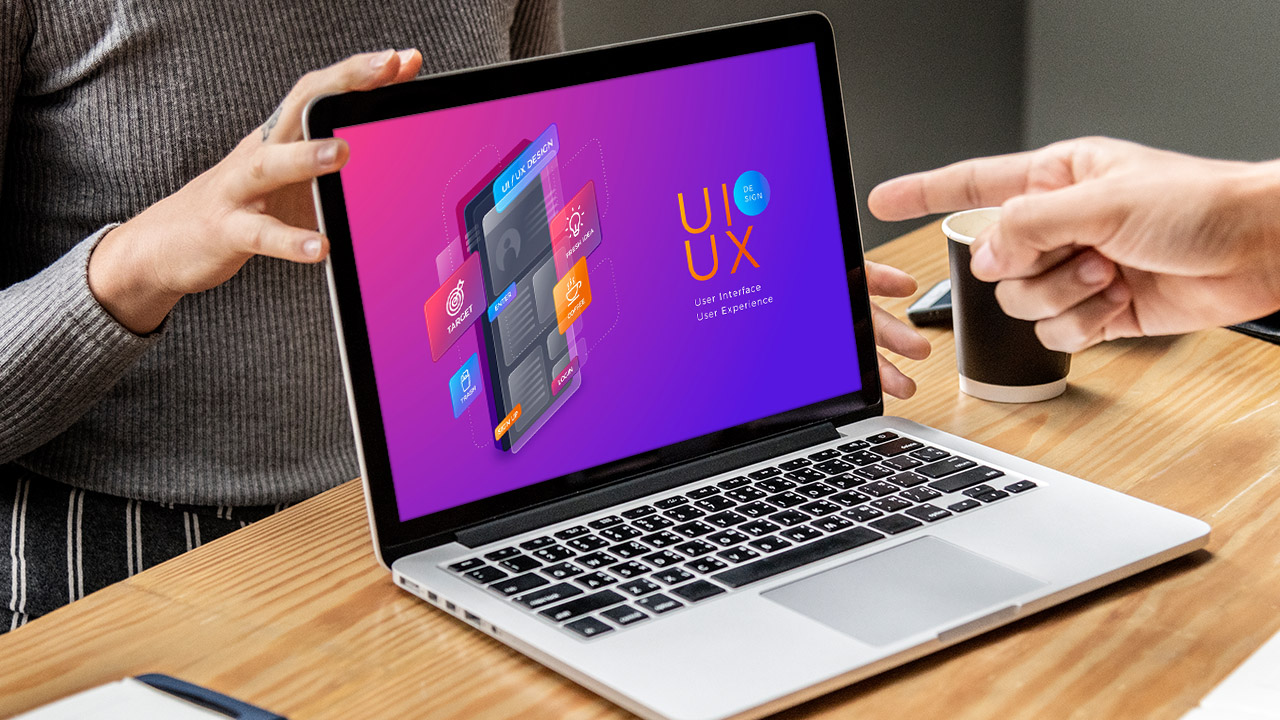
For over a decade, SEO experts argued over the weight of backlinks versus keywords. But as we move deep into 2026, the debate has been settled by the most powerful entities in search: AI synthesis engines and Google’s own behavioral algorithms. Today, User Experience (UX) is no longer a “design” choice—it is the primary technical signal for search authority.
If your WordPress site feels “fast” but has poor interaction paths, or if it looks “pretty” but fails accessibility standards, your rankings will inevitably decline. In this Masterclass, we will break down the technical psychology of modern UX and show you how to optimize your site for the era of Interaction to Next Paint (INP) and Navboost.
—
Chapter 1: The Death of First Input Delay (FID) and the Rise of INP
In early 2024, Google officially replaced First Input Delay with Interaction to Next Paint (INP) as a Core Web Vital. By 2026, this metric has become the “gatekeeper” of mobile search rankings.
What is INP, and Why Should You Care?
Unlike FID, which only measured the first time a user clicked something, INP measures the latency of every single interaction a user has with your page. The Problem: Many WordPress sites use heavy JavaScript for popups, sliders, and menu transitions. If a user clicks your “Buy Now” button and it takes 300ms for the button to even look* like it was pressed, Google flags this as a poor experience.
- The 2026 Standard: You must aim for an INP of under 200 milliseconds.
To optimize this on WordPress, you must move away from “all-in-one” heavy plugins and embrace Block-Based Themes (FSE) that prioritize lean, native browser interactions over bloated jQuery libraries.
—
Chapter 2: Understanding “Navboost”—The Behavioral Ranking Engine
One of the biggest revelations in the recent search engine data leaks was the power of Navboost. This is a system that uses clickstream data—how users actually move through your site—to determine your authority.
UX as a Trust Signal
If a user arrives on your WordPress site from a search result, spends 2 minutes reading, and then clicks an internal link to another article, your Navboost score skyrockets. However, if your UX is cluttered with aggressive ads or confusing navigation, and the user “pogo-sticks” back to the search results, your site is flagged as “low-value.”
Key UX Tweaks for Navboost:
- Predictive Navigation: Use a “Sticky” header that changes based on scroll depth, ensuring the next step is always visible.
- Content Scannability: 2026 readers use AI to summarize pages. If your content isn’t broken up by clear H2 and H3 headers, both AI and humans will abandon the page.
- The “3-Click” Rule: Every high-value page on your site should be accessible within three clicks of the homepage.
—
Chapter 3: Mobile-First UX in the Era of AI Search (GEO)
With the rise of Generative Engine Optimization (GEO), your mobile UX must cater to how AI engines “read” your site. AI engines look for structured data and clear visual hierarchies to summarize your content for users.
The “Thumb-Zone” Design
On mobile devices, users interact with their thumbs. 2026 UX design requires a “Bottom-Up” approach.
- Primary Actions: Your search bars, call-to-action buttons, and navigation triggers should be at the bottom of the screen, within the natural reach of a user’s thumb.
- Font Scaling: Browser-default font sizes are no longer enough. For 2026 accessibility and readability, your body text must be at least 18px to 20px with a line height of 1.6.
—
Chapter 4: Accessibility (WCAG 2.2) as a Competitive Advantage
In 2026, Accessibility (A11y) is no longer an optional compliance checkbox—it is a ranking factor. Search engines view an accessible site as a “high-authority” site.
Technical A11y Requirements:
- Color Contrast: Ensure your text-to-background contrast ratio is at least 4.5:1. Confusing gray-on-white text is a major UX failure.
- Keyboard Navigation: Can a user navigate your entire WordPress site using only the “Tab” key? If not, you are losing “Trust” points in the algorithm.
- Alt-Text as Context: Don’t just list keywords in your Alt-text. Describe the image for AI engines. This improves your visibility in “Multimodal” search results.
—
Chapter 5: The 2026 Technical UX Audit Checklist
To ensure your WordPress site is optimized for the current search landscape, run through this definitive audit:
1. Check INP in PageSpeed Insights: Is every page consistently under 200ms? 2. Audit for “Cumulative Layout Shift” (CLS): Do your images have defined height and width attributes? If your content “jumps” as a user reads, your UX score will tank. 3. Test for “Dead Clicks”: Use a tool like Microsoft Clarity to find where users are clicking but getting no response. These are your biggest conversion leaks. 4. Simplify Your Header: In 2026, “Mega-Menus” are out. Clean, intent-based navigation is in. 5. Remove “Interstitials”: Google’s penalty for aggressive popups is more severe than ever. Use “Exit-Intent” triggers sparingly, and never on mobile devices.
—
Summary: UX is the New SEO
Back in 2022, you could rank with average content and a lot of backlinks. In 2026, the User is the Kingmaker. If your WordPress site provides a seamless, accessible, and psychologically satisfying experience, the search engines will reward you with long-term, sustainable authority.
Stop focusing on “tricking” the algorithm and start focusing on serving the user. That is the ultimate SEO strategy for 2026.
— Looking for a technical UX overhaul of your WordPress site? The Brosoftsystem team specializes in FSE optimization, INP remediation, and high-conversion UX design.
